Bring your Jupyter widgets to Shiny.
Bring the Python libraries you already know (plotly, altair, etc) into a reactive web app with one decorator. Build rich and delightful experiences with user interaction and performant updates.
Dozens of integrations, grouped by what you're building.
Each group opens a set of guides. Every guide shows the widget rendering in a Shiny app, the user's gestures flowing back to Python, and the widget updating in place.
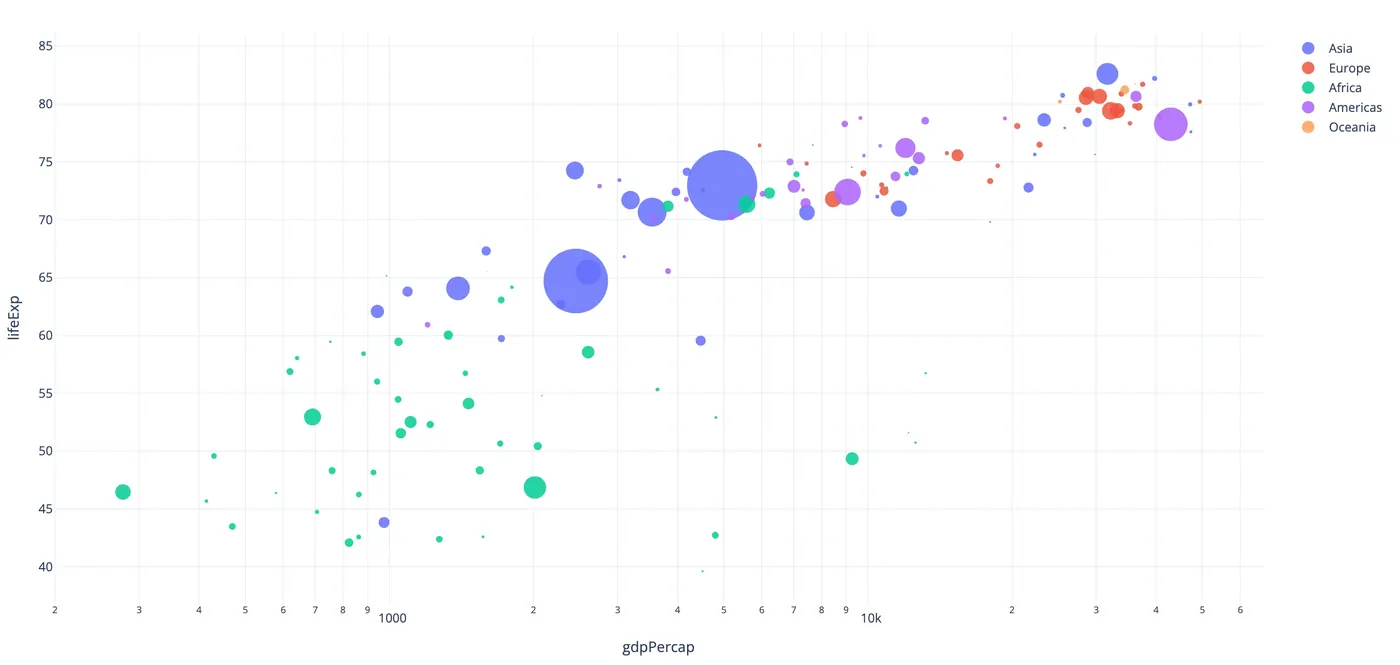
Charts
plotly · altair · bokeh · matplotlib …
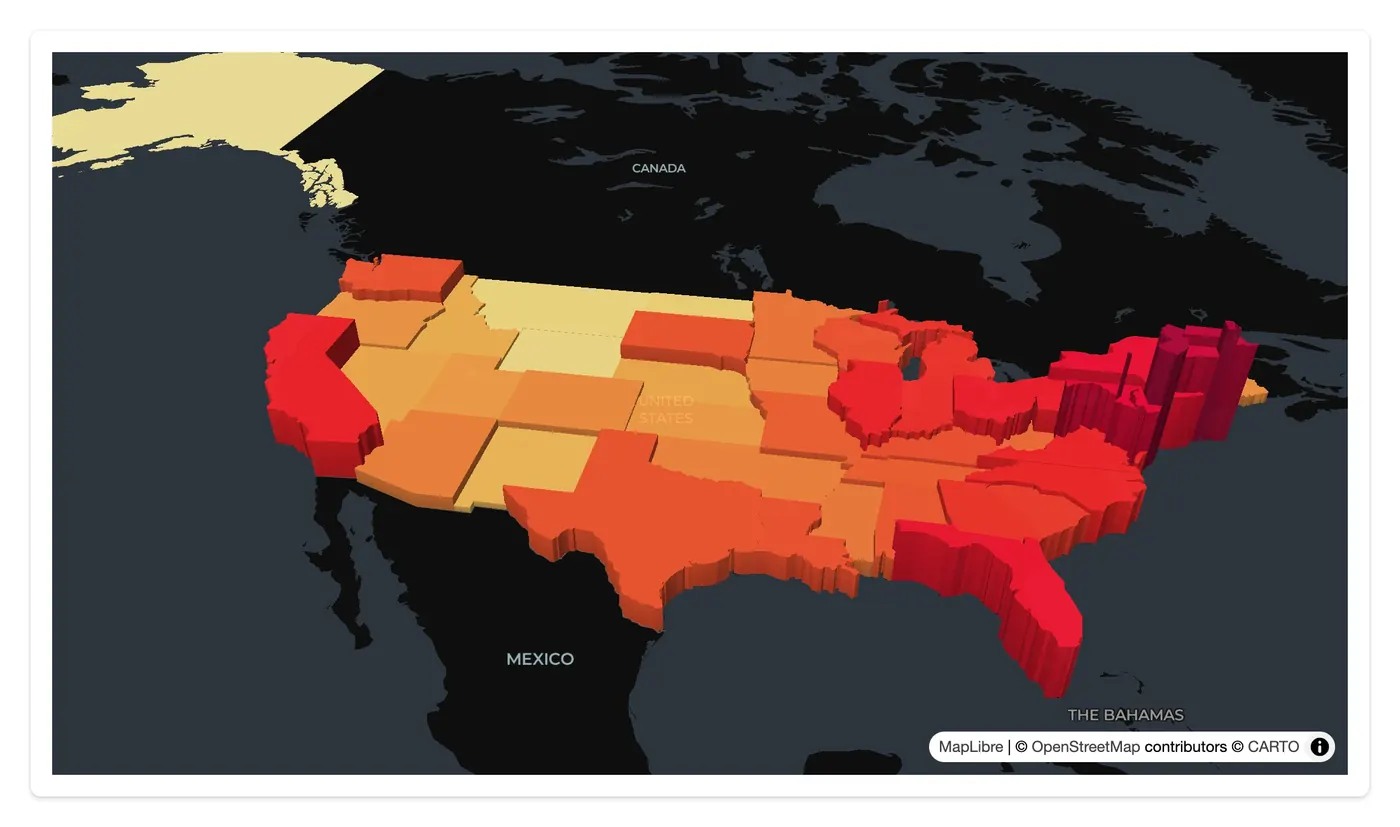
Maps & geospatial
lonboard · maplibre · ipyleaflet · kepler.gl …
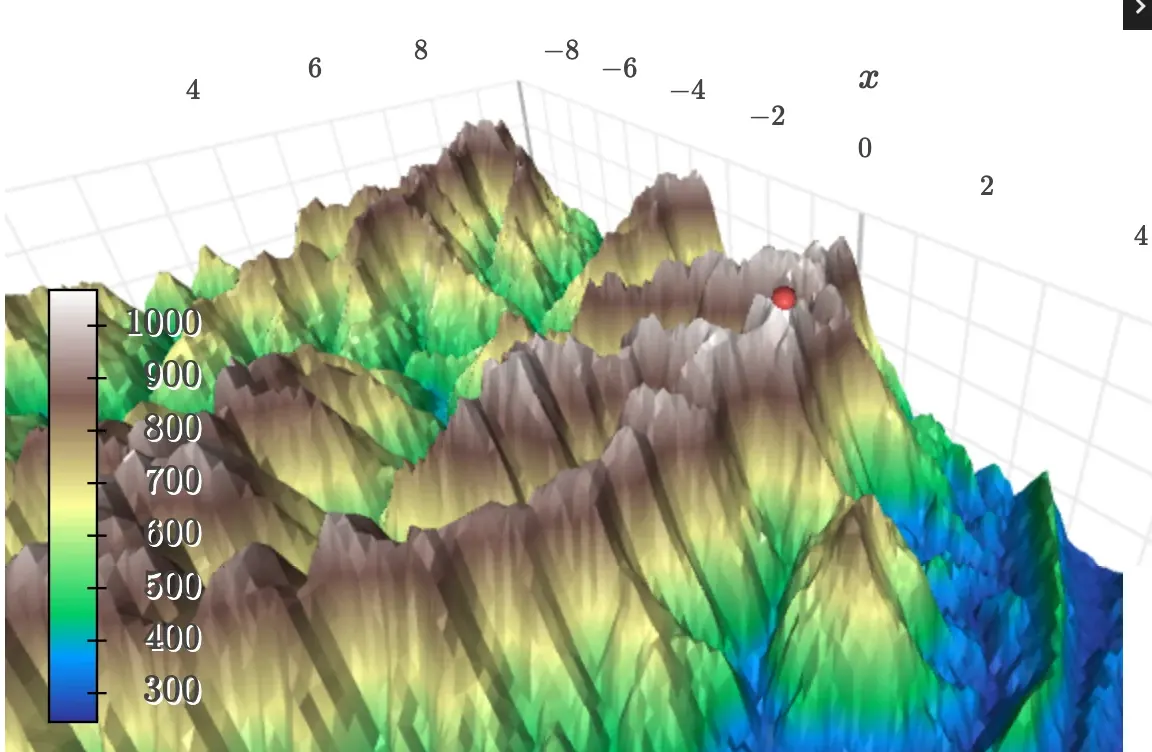
3D
k3d · pythreejs · pyvista · ipyvolume
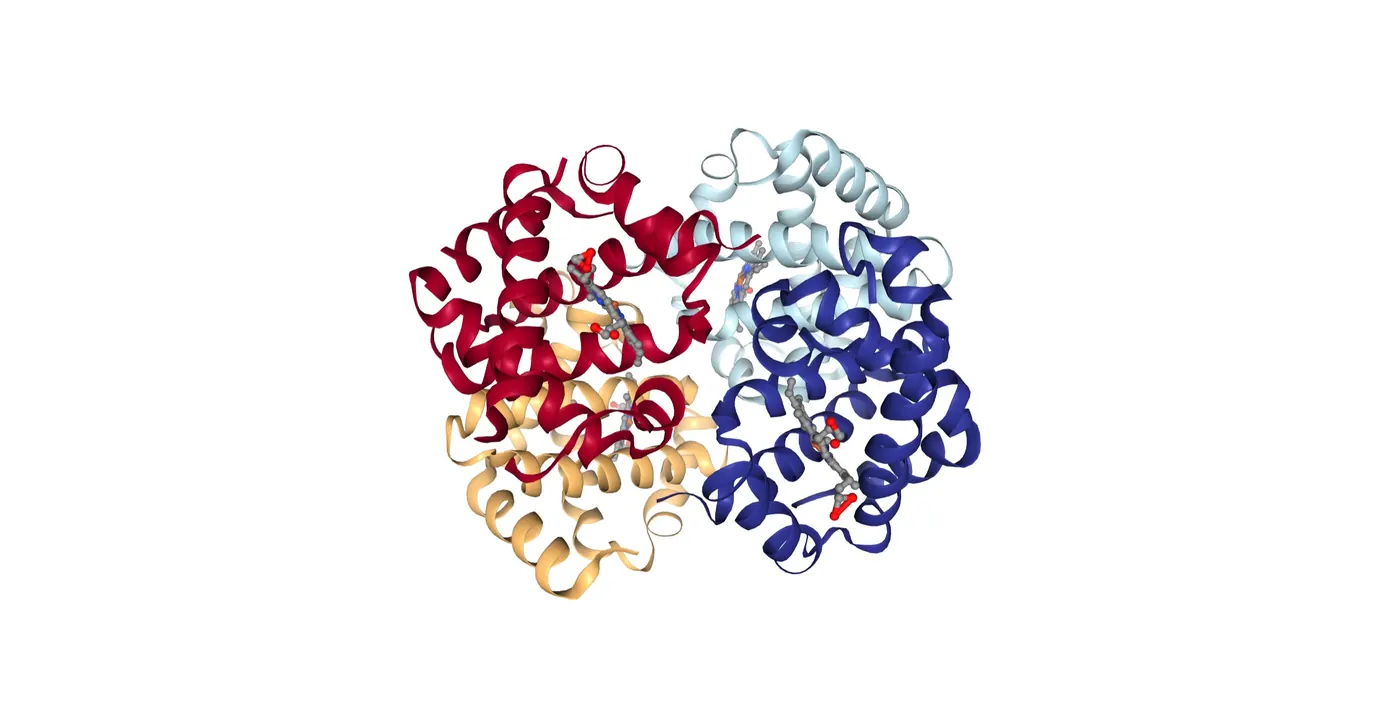
Scientific
nglview · niivue · vizarr · mols2grid …
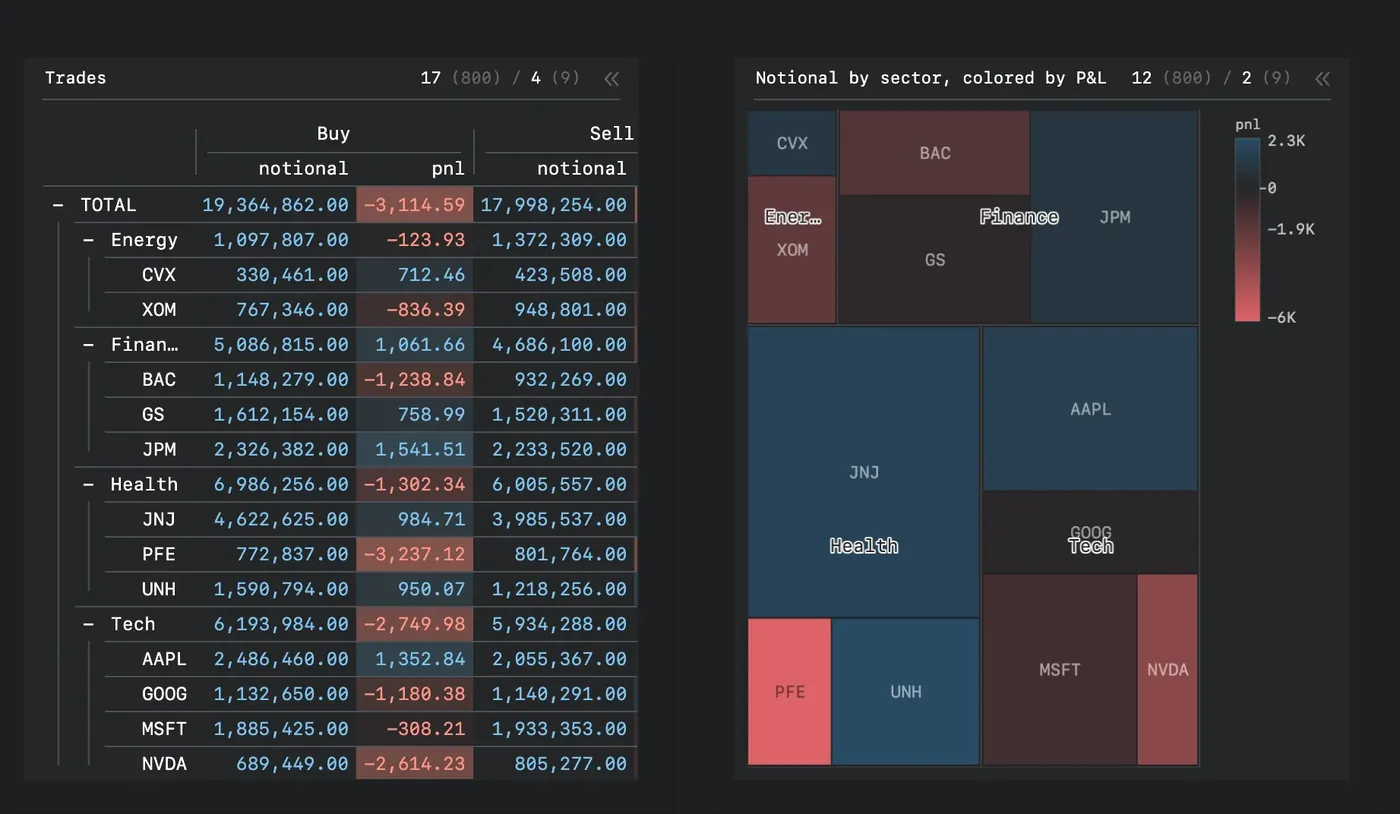
Tables & grids
itables · reactable · perspective · ipydatagrid
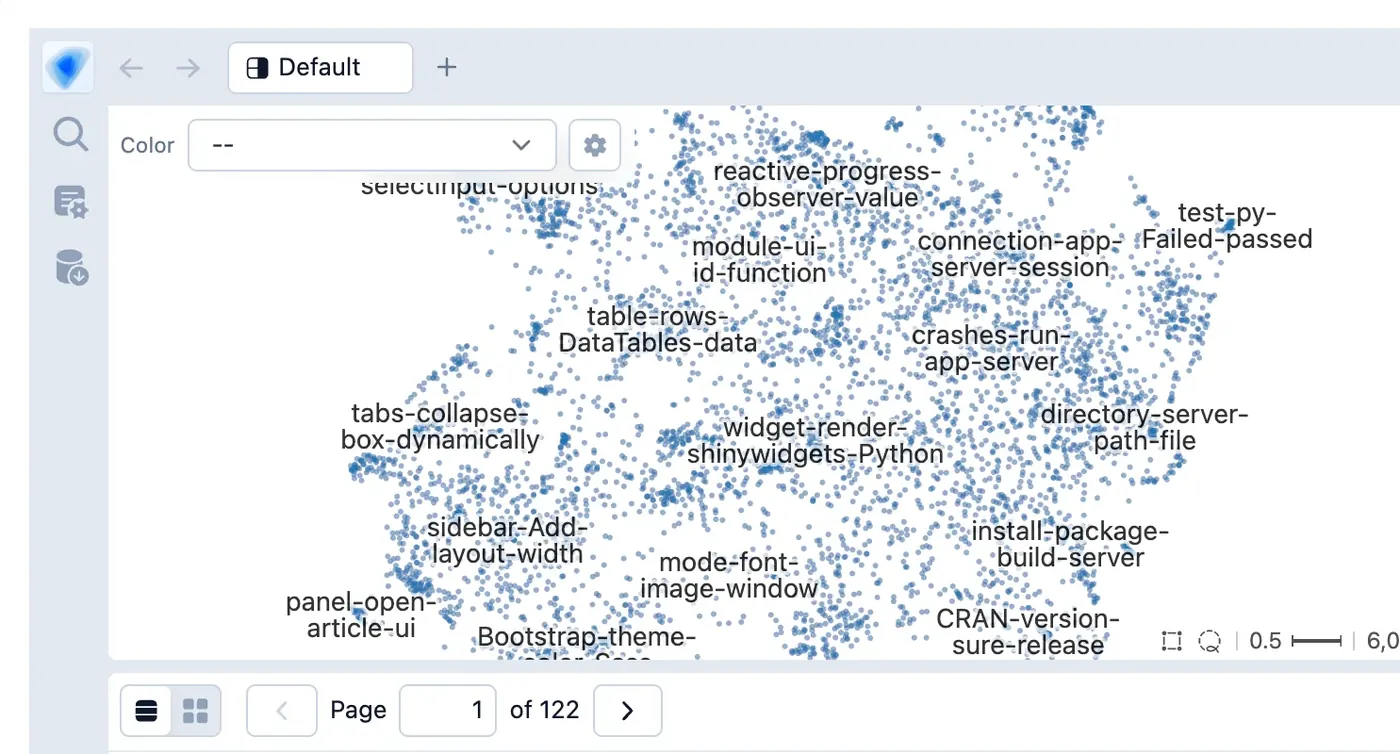
Data exploration
embedding-atlas · mosaic · quak · pygwalker
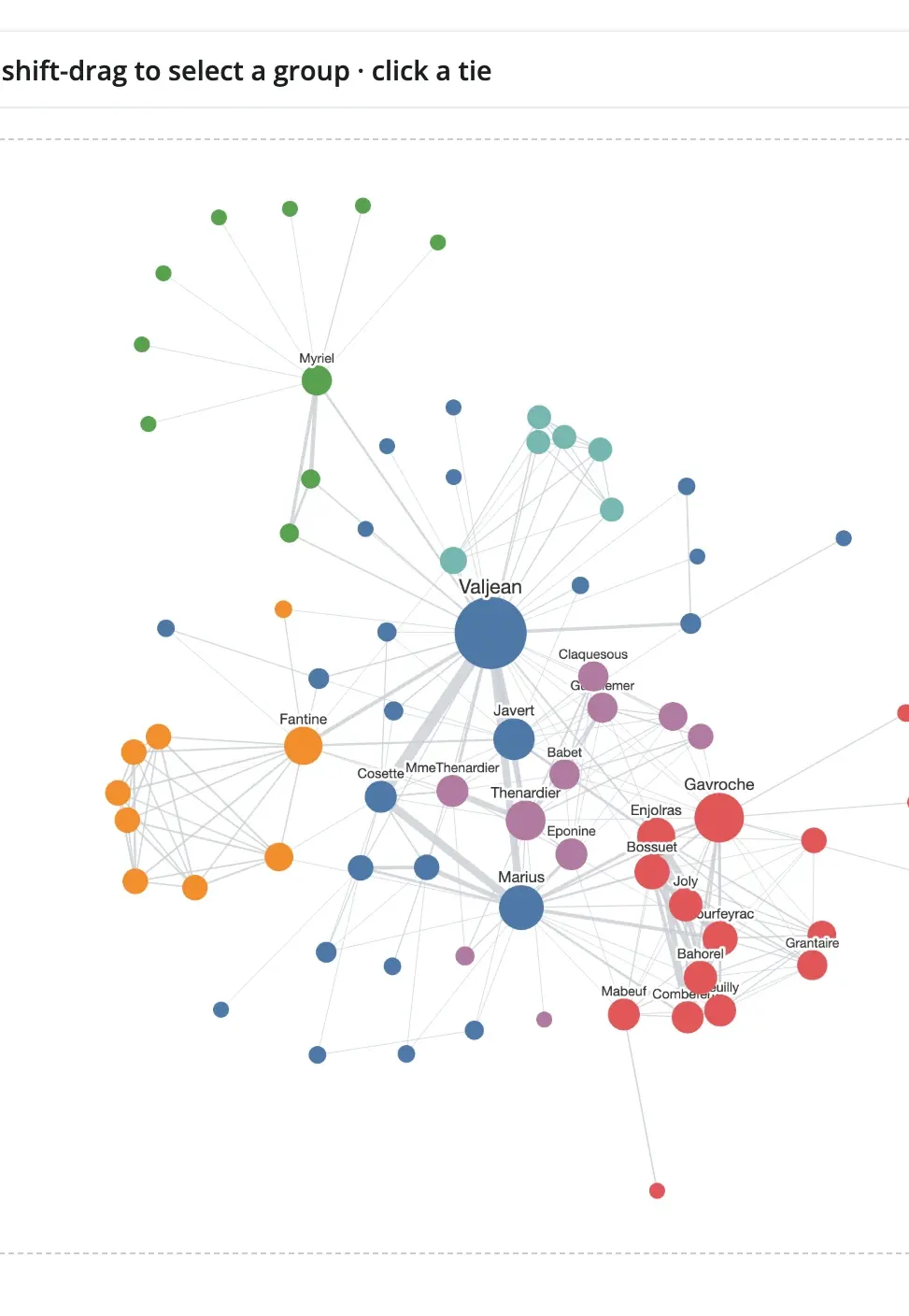
Networks
ipycytoscape · ipysigma
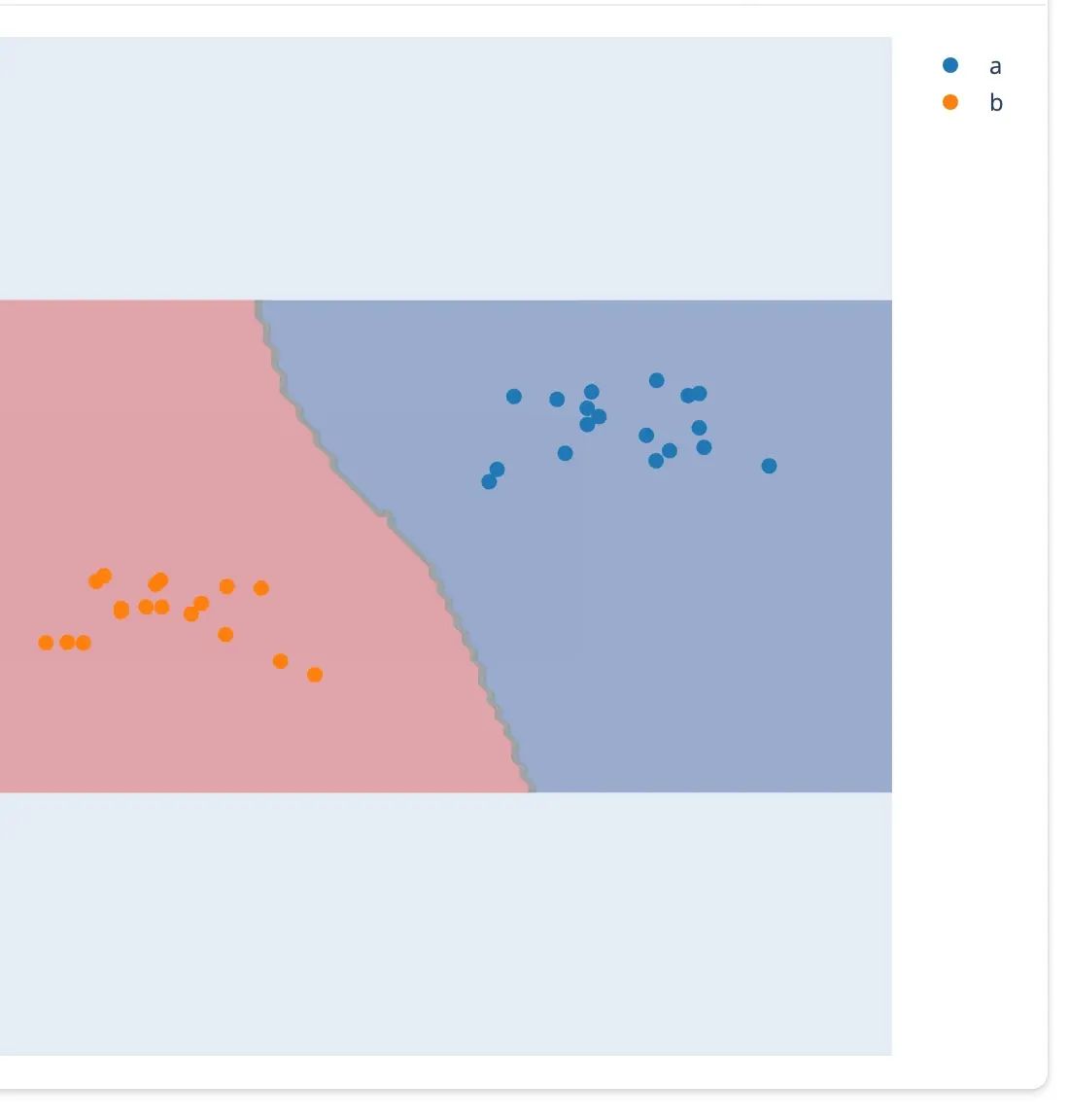
Input & drawing
drawdata · ipycanvas · ipyfilechooser
A few lines of Python, from widget to input.
Pick a widget. The highlighted call is how your Shiny app reads what the user did; flip between before and after the gesture.
Every example runs as-is: shiny run app.py. See all the guides →
Three ideas, every widget.
Every widget app is an ordinary Shiny app: learn the three ideas once with one widget and they carry over to all the others. Each one is a page in the guide.
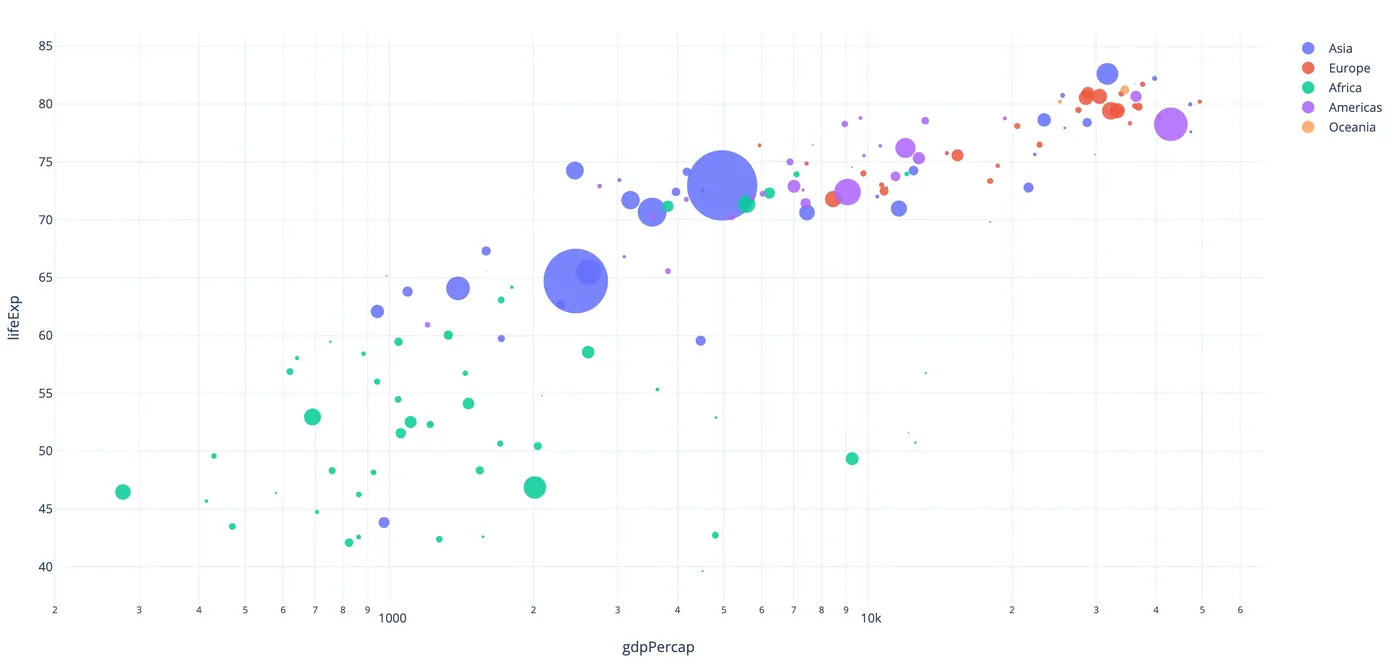
Render
Return a figure, map, or scene from a decorated function. It fills its card like any Shiny output.
@render_plotly
def plot():
    return px.scatter(df, ...)
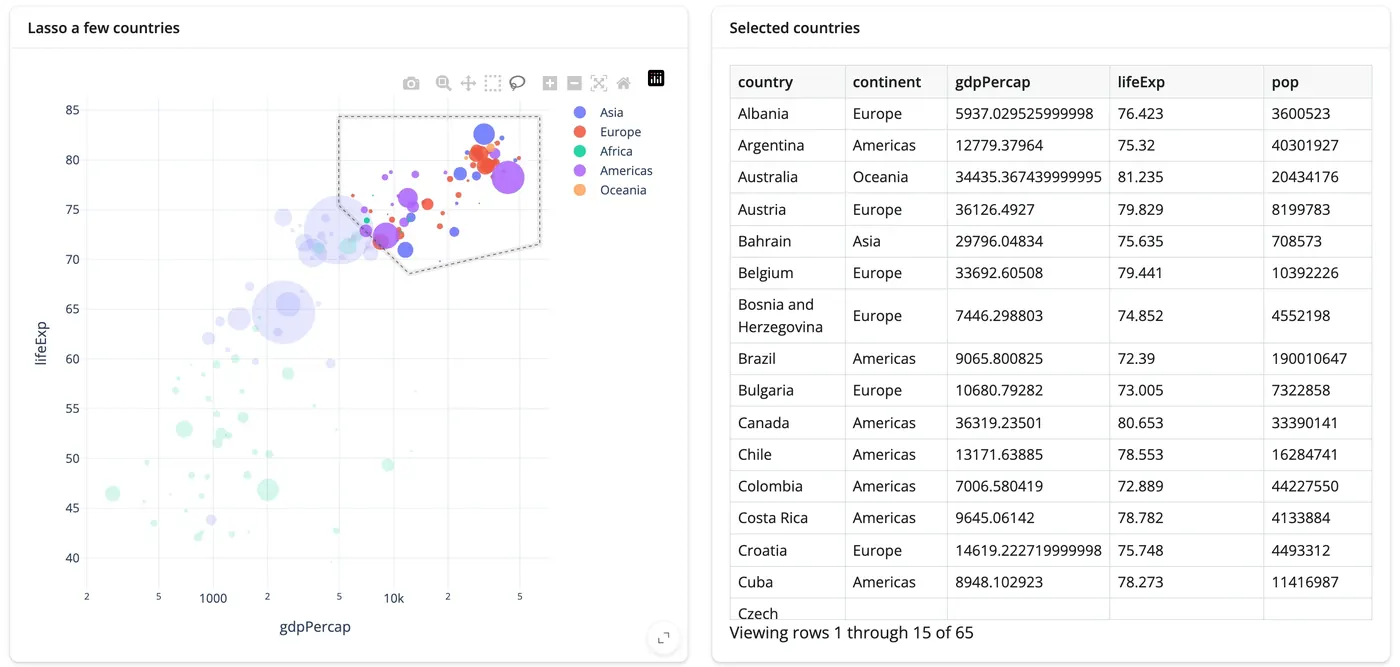
React
Every gesture is an accessor. Call it from any reactive context, the way you'd call input.x().
@render.data_frame
def picked():
    return plot.selected_rows(df)
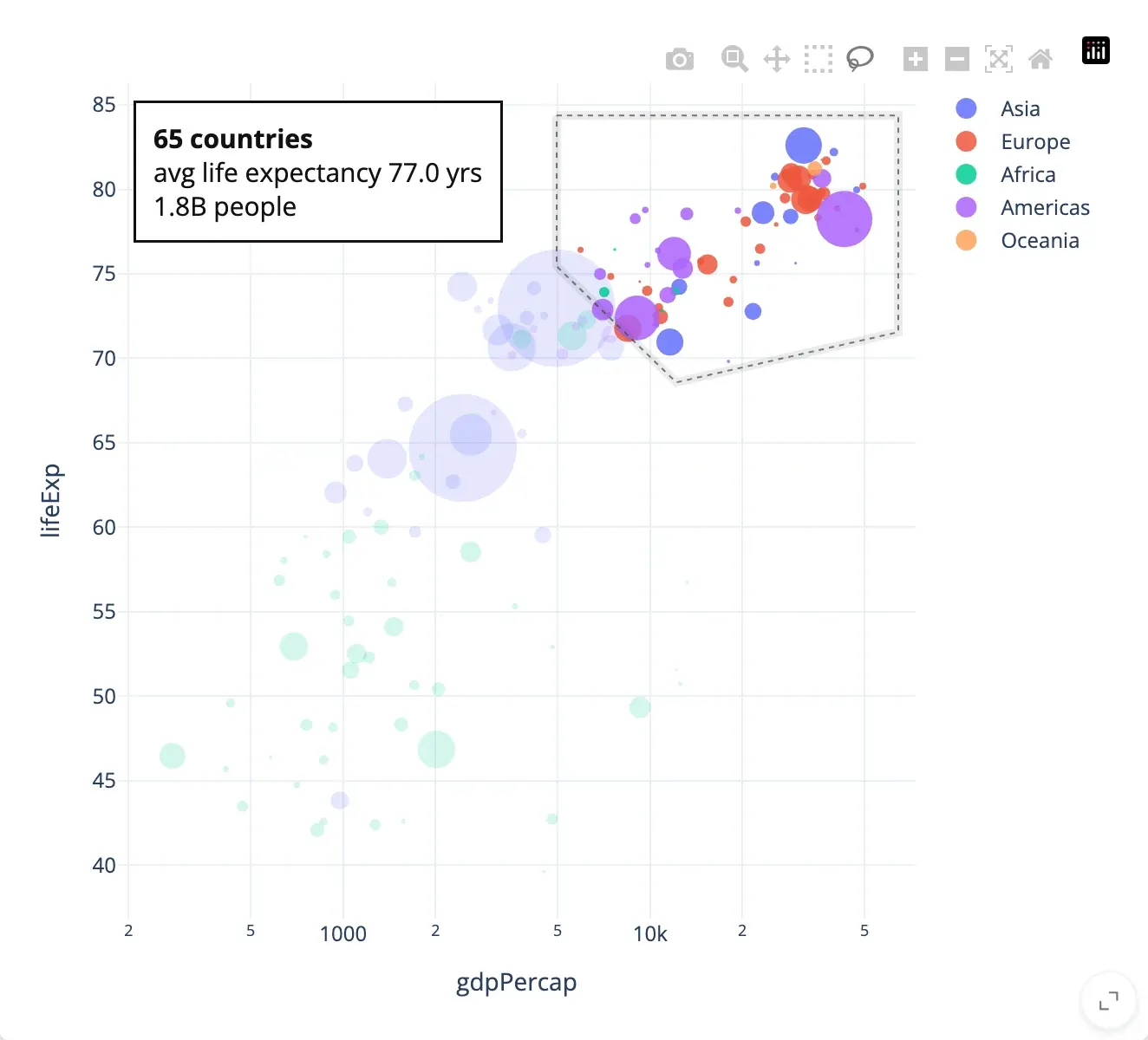
Update in place
Change the live widget from Python. Here a summary of the selection is written onto the chart, and the lasso and zoom stay put.
@reactive.effect
def _summarize():
    rows = plot.selected_rows(df)
    plot.widget.layout.annotations = [
        dict(text=f"{len(rows)} countries…", ...)
    ]
Whole apps, not just widgets.
All showcases & templates →Real data, several views driving each other, a hundred or two lines of Python. Every one is an open-source Shiny app and runs with shiny run app.py.
When your app outgrows the basics.
Bigger data, AI in the loop, or a widget of your own — each is still just a Shiny app.
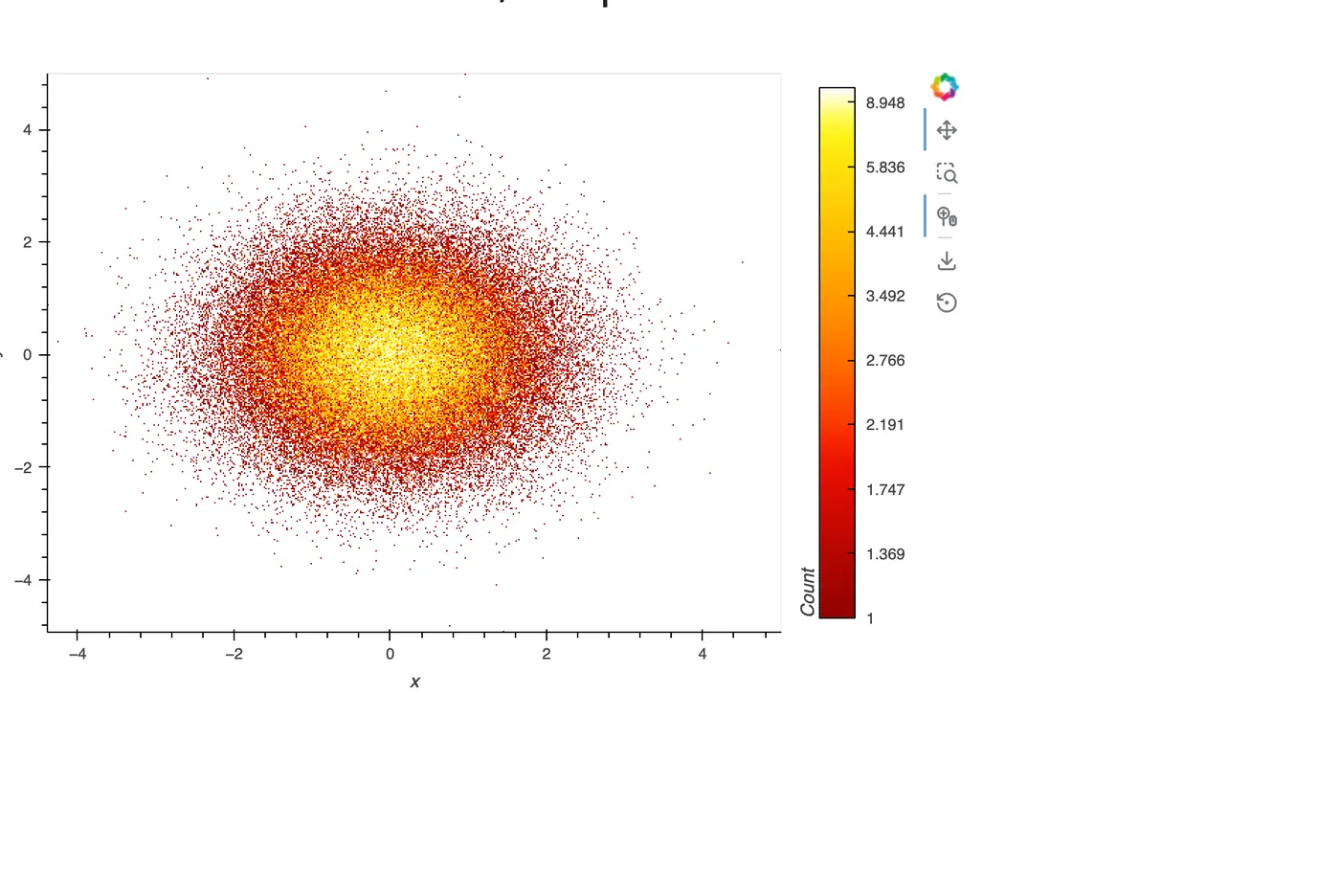
Millions of rows
Draw on the GPU, aggregate on the server, or query only what's visible. Three approaches, measured.
Large data & performance →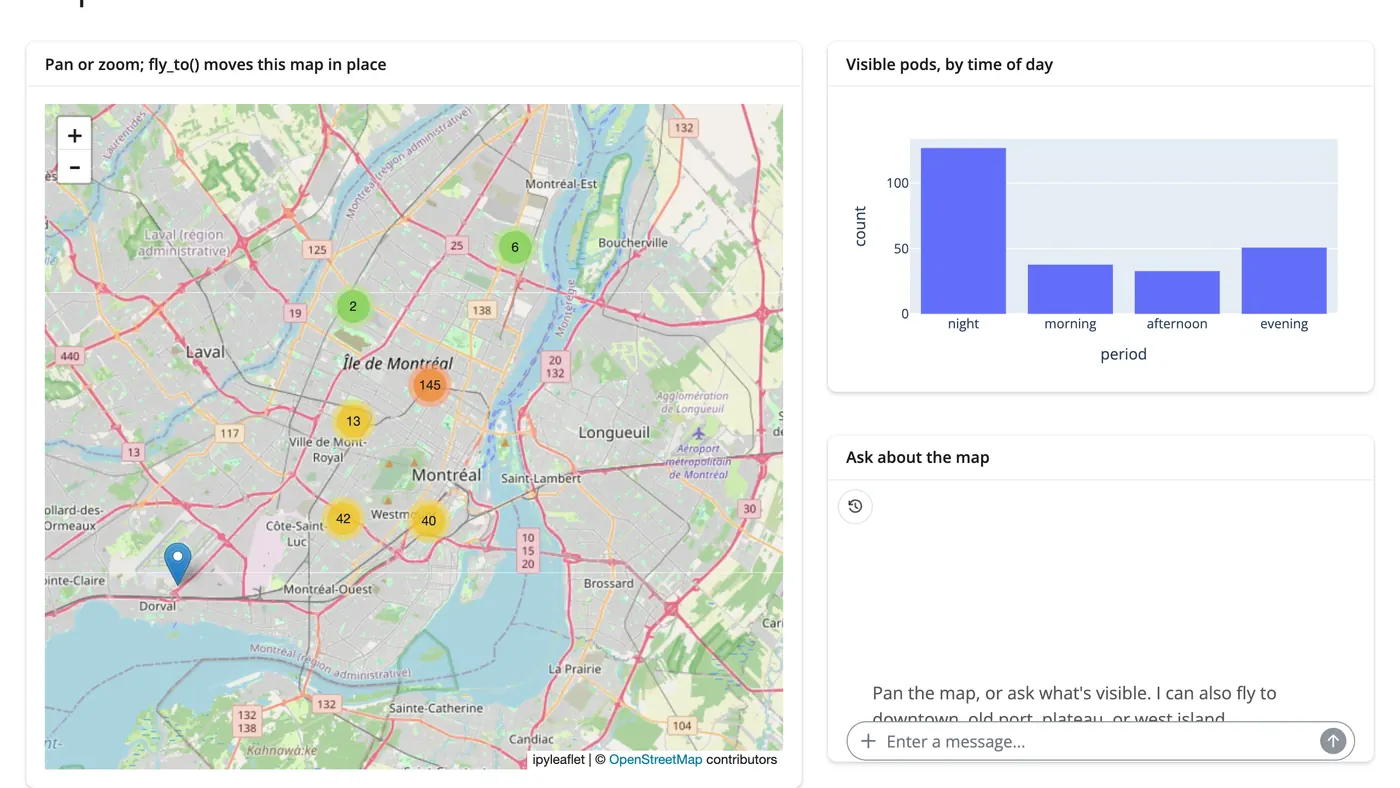
AI exploration
Let a chat filter your data, read a selection, or steer a map. The LLM sees the same accessors you do.
AI exploration →import anywidget, traitlets class Counter(anywidget.AnyWidget): _esm = "…" count = traitlets.Int(0).tag(sync=True) @render_widget def counter(): return Counter() counter.read("count")
Your widget isn't listed?
Any ipywidget or anywidget renders with @render_widget, including one you write yourself.